Recognizes the vehicle
The system processes frames after a stable stop and recognizes the license plate number.

For the driver
After parking, the CShark system links the car to the actual parking space. The driver confirms the phone number, enters the state number or parking ticket number and receives the floor, sector, photo and walking route.
 Find a vehicle
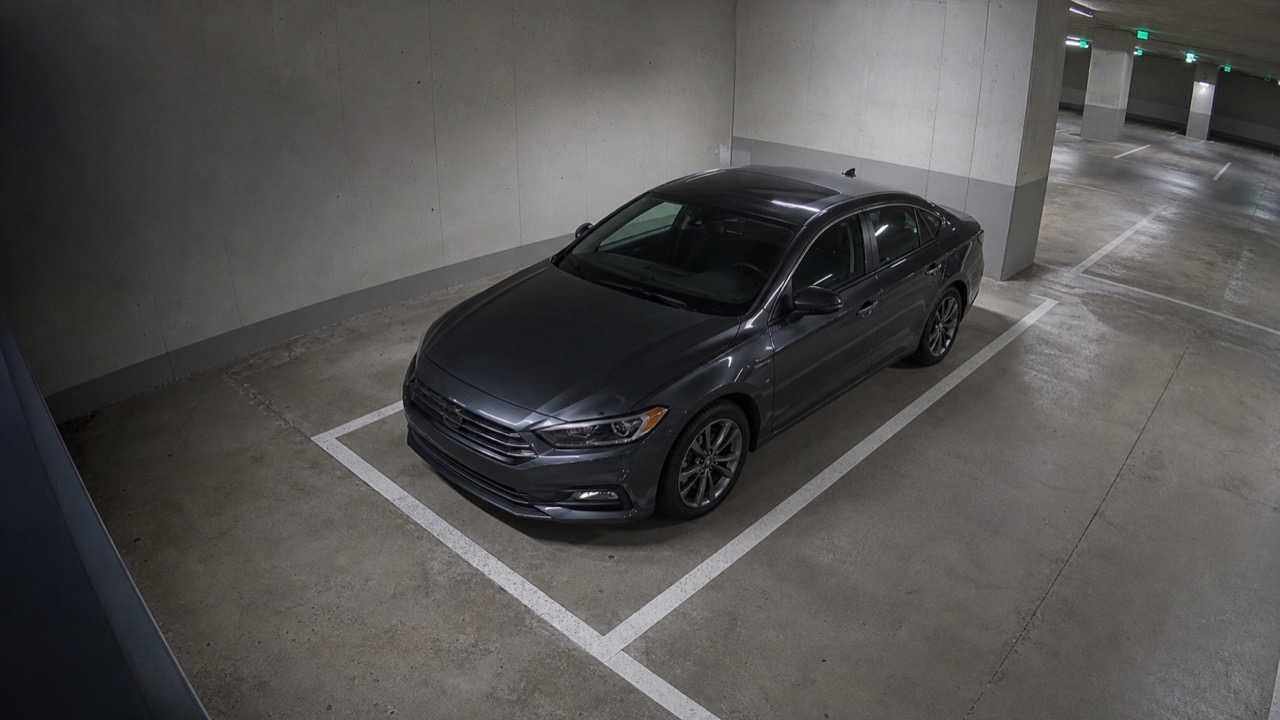
Interactive example
The user is authenticated by phone number before performing a search. In the example, the phone is hidden, and data from real cars is not used.
SEARCH AT THE OBJECT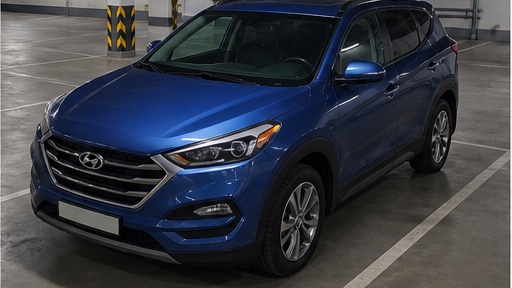
CShark stores the connection between the vehicle and parking space P3 · C-07 in a database.
How the result is formed
After parking, the system recognizes the car and records its connection with a specific parking space in the database. The search returns the saved floor, sector, location and frame, and then builds a walking route.
The system processes frames after a stable stop and recognizes the license plate number.
The car is associated with a floor, sector, row and specific parking space.
After confirming the phone number, the system accepts the vehicle license plate number or parking ticket number.
The route is built from the selected entrance, elevator, staircase or information desk.
Floor, location, landmark and resolved frame allow you to quickly check the result.
User services
The available set of functions is determined by the design of the object. Authentication is performed by phone number, and all search queries and actions are stored in a log.
Free zones, floors, sectors, landmarks and walking route to the car.
Selecting an accessible location or area for the period permitted by the rules of a particular facility.
Start time, duration, location, tariff zone and current cost.
If a car has crossed the markings and taken two places, the user sees the basis, time, frame and amount charged.
Station status, transferred energy, charging duration and service cost.
The total of parking, charging and accruals provided for by the rules is transmitted to the connected payment circuit.
Ways to find and help
At the site, you can use a mobile version, a terminal or communication with an operator. In all cases, the result is generated using one current map of locations and camera observations.
Opens via a link or QR code without necessarily installing the application.
Installed at elevators, exits or information desks in large parking lots.
If an independent search does not produce results, the driver contacts the operator. specifies the number and reports the parking space registered in the system.
Privacy
For each search, the system stores the confirmed phone number, the type and value of the query, the time and result; the amount of data displayed and its retention period are determined by the project.
The user confirms the phone number before starting the search. The car or ticket number is used as a search query, and not as an independent indicator of identity.
The public terminal shows only the information necessary for searching and movement.
The log stores the user's phone number, search query, time, result and operator actions.